Snapshots are complete account backups that the JetBackup application allows you to start whenever you want.
You may take a maximum of 1 snapshot, which will be kept for 2 days, for each unique cPanel account. The backup will thereafter be erased on its own. Please be aware that the initial snapshot will be deleted if any more are taken.
Go to JetBackup 5 in cPanel to create a snapshot backup of your account.
1) Access Cpanel.
2) Choose the 'Jetbackup5' icon.
3) Select the 'Create Backup On Demand' option from the Dashboard.
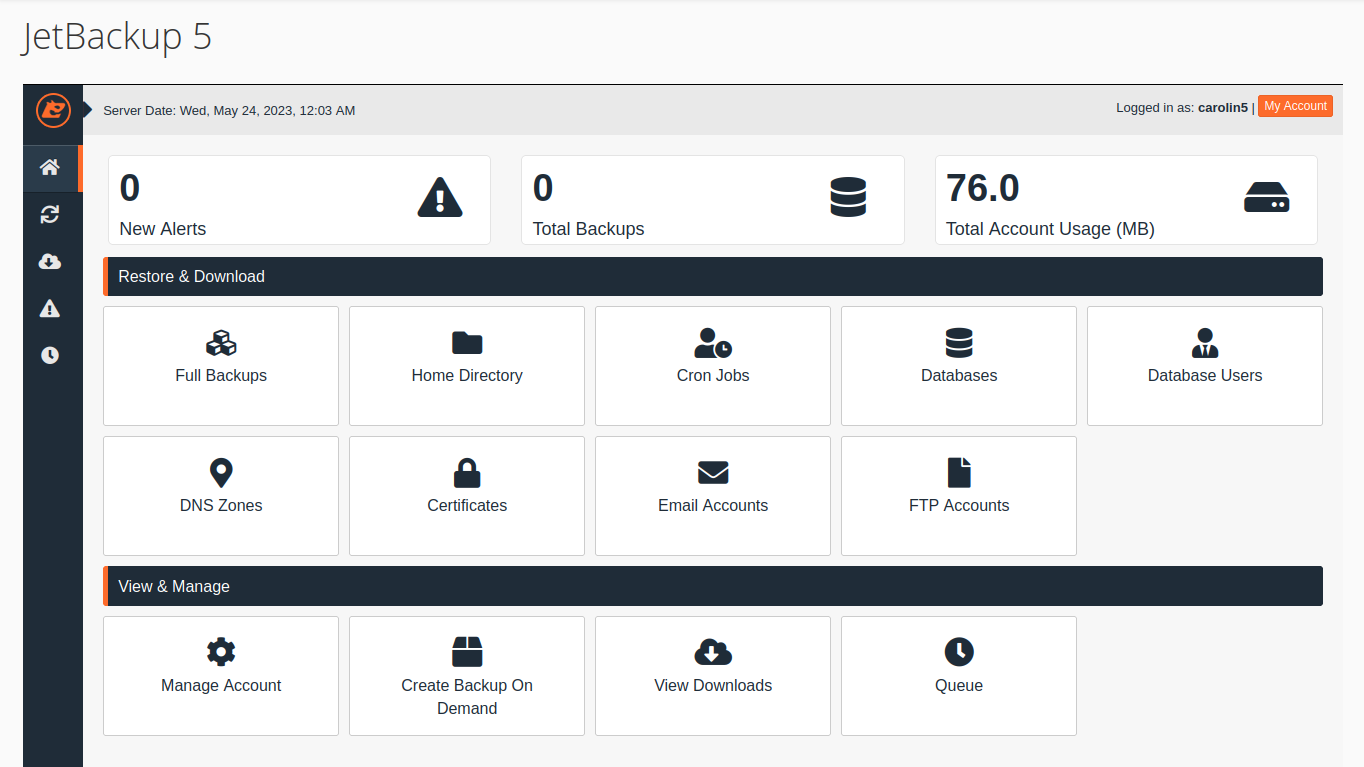
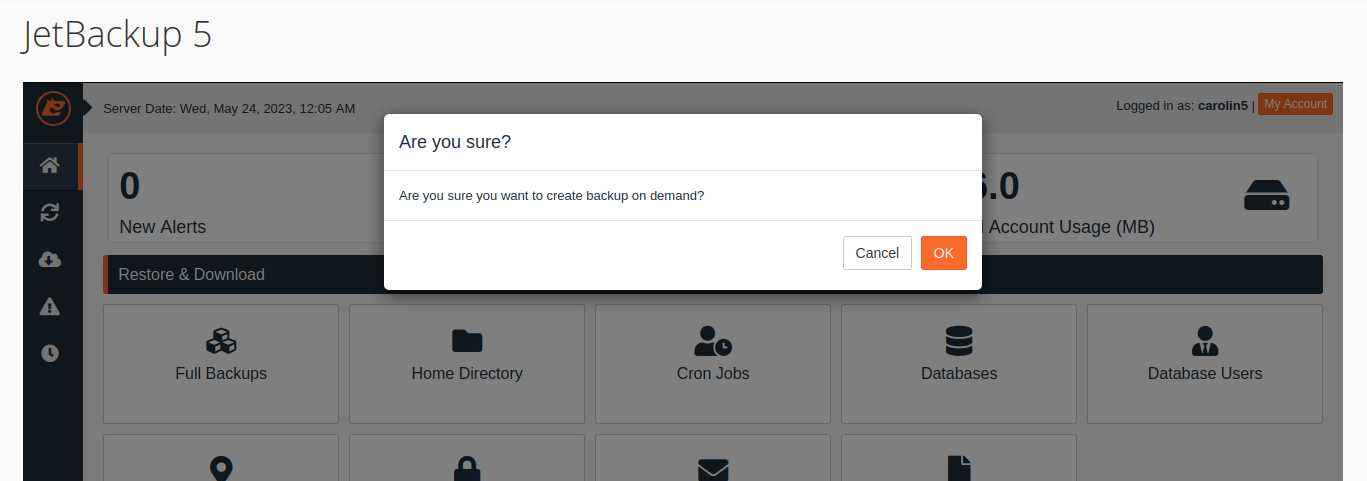
You will be prompted to confirm your decision to move forward once the "Create Backup On Demand" option has been chosen.
4) The 'Queue' interface will then let you know whether or not that backup has been finished.
5) When the 'Create Backup on Demand' operation is finished, a fresh backup of the entire account will be made. Go to Dashboard and select "Full backup" to get to it.